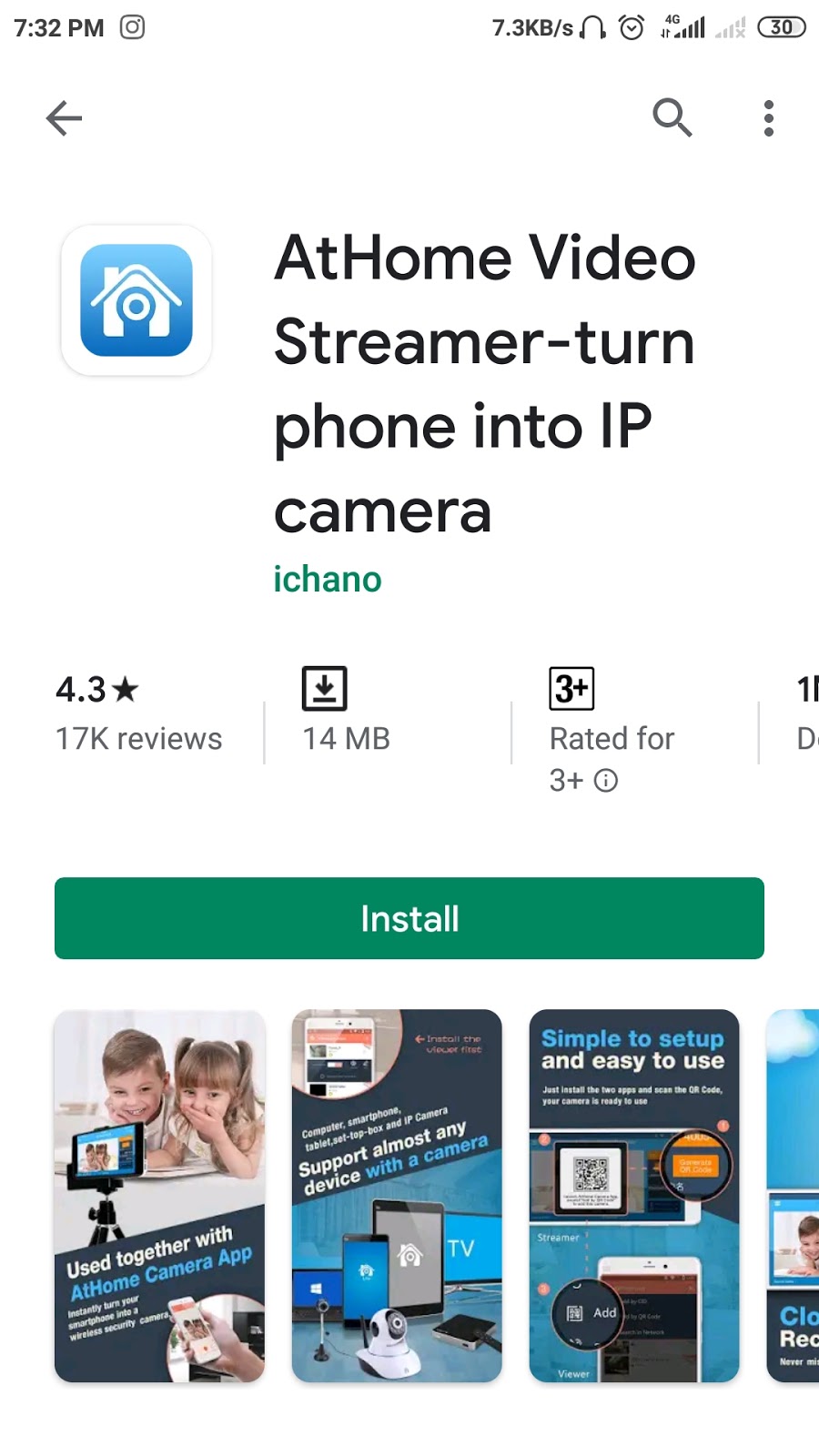
Do you know you can use your old 3G smartphone as a cc tv camera in your house, shop, garage etc. isn't it sound cool?😎 Let's see how you can set up your 3G smartphone as a cc tv camera 📷.. Notes:- your 3G phone is in working conditions network and camera should work properly. Step 1:- Go to your 3g phone play store and download AtHome video steamer-turn phone into up camera application. register with your email id and password. Step 2:- Now, go to your New smartphone which you currently using or you want to see your cc tv camera live download AtHome camera - phone as a remote monitor from play store. Step 3:- Now you all set, connect your 3G smartphone with wifi or network and login in you just download the application and Generate QR code. Now, go to your new phone and open application and scan 3G phone Qr-code in your New phone .thats all now your are connected with live streaming of your old phone on your new phone. Set up your old phone in your...



Comments
Post a Comment